Sign-in and security
Passkeys in your mobile app: replace passwords and OTPs without losing users
By RED8 on 10 June 2026

Passwords get forgotten and stolen. SMS codes arrive late, cost money and can be intercepted. Passkeys solve both: people sign in with the same fingerprint, face scan or screen lock they use to unlock their phone, and there is nothing to type or phish.
Android and iOS both support passkeys, and they sync through Google Password Manager and iCloud Keychain. The technology is ready. The hard part is design: getting people to create a passkey in the first place.
When a person creates a passkey, the phone makes a pair of keys. The private key stays in the phone's secure storage and syncs to their other devices through their password manager. Your server keeps only the public key. To sign in, the phone proves it holds the private key after the person unlocks it.
Because there is no shared secret, there is nothing to leak from your servers and nothing to type into a fake site. On Android you build it with Credential Manager, and on iOS with the AuthenticationServices framework.
1. Ask at the right moment.
Offer a passkey right after sign-in or after a successful payment, when the person is confident and the benefit is fresh.
2. Use one clear line.
"Sign in faster next time with your fingerprint" works better than technical words like FIDO or WebAuthn.
3. Make it one tap.
The system sheet does the work. Avoid extra screens before it.
4. Keep a fallback.
OTP or email for a new phone, a lost device or someone who declines.
5. Remind gently.
If they skip, ask again after a few sign-ins, not every time.
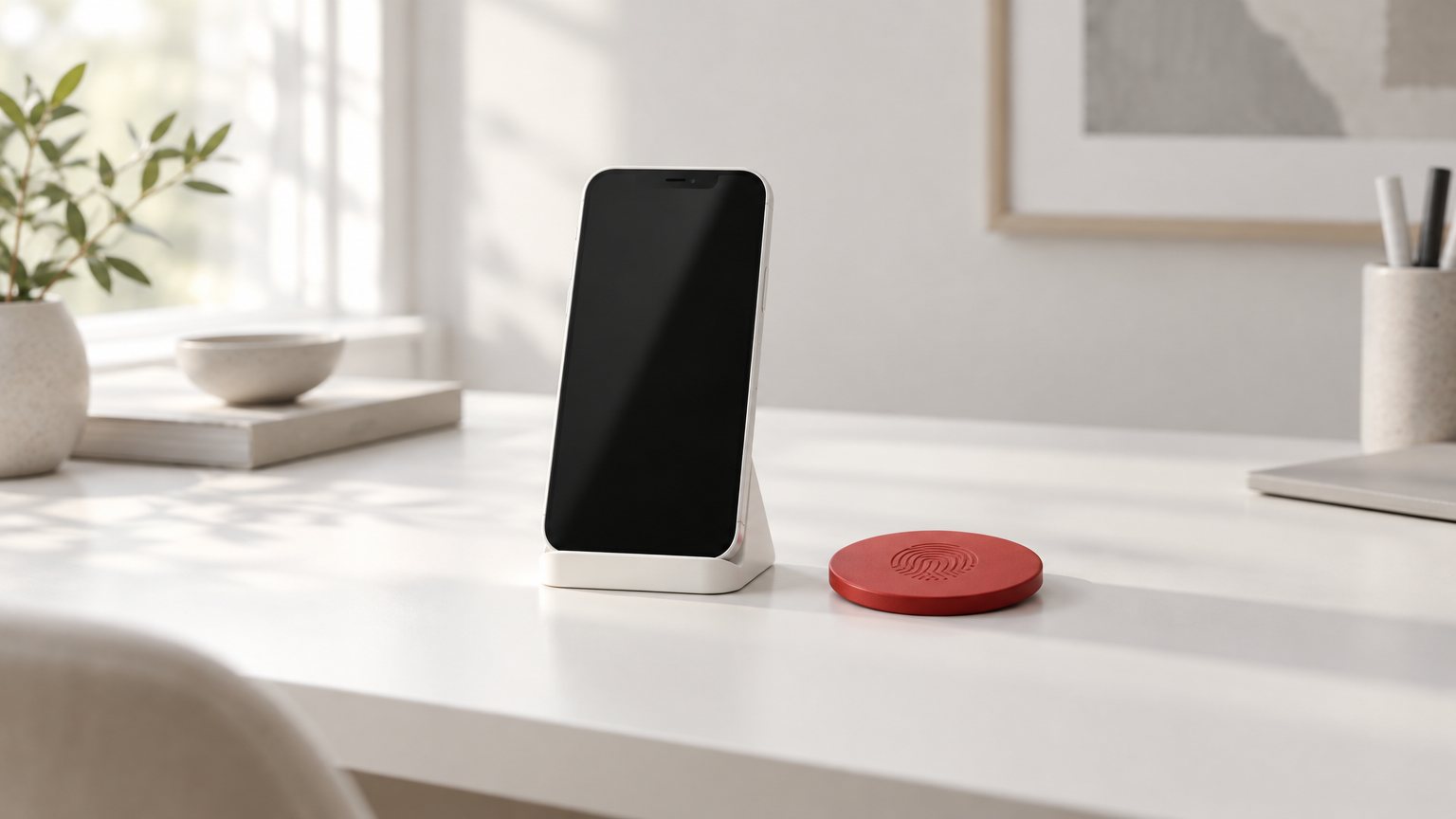
Payment and banking apps often need step-up checks for high-risk actions. Passkeys work well as a strong factor for sign-in and for confirming sensitive changes. RBI's 2025 directions on authentication for digital payments also opened the door to factors beyond SMS OTP from April 2026, so check with your compliance team how passkeys fit your flows.
A savings app sees many sign-in drop-offs at the OTP screen. It adds a passkey prompt after each successful OTP sign-in: "Skip the code next time. Use your fingerprint." One tap creates the passkey. On the next visit, sign-in takes a second. OTP stays available for new devices and recovery.
Do passkeys work across devices?
Yes. They sync through the person's password manager, and they can sign in on another device by scanning a QR code with their phone.
Are passkeys more secure than OTP?
Yes, they resist phishing and there is no code to intercept. Keep OTP as a fallback, not the main path.
Do we still need passwords?
Many apps keep them for a while for older devices, then phase them out as passkey use grows.
We design and build Android and iOS apps, including sign-in and onboarding flows. See our website and app services or talk to us about your app.